Case study · Web platform · 2025
Fiscolab: the front door of an AI-powered tax education platform
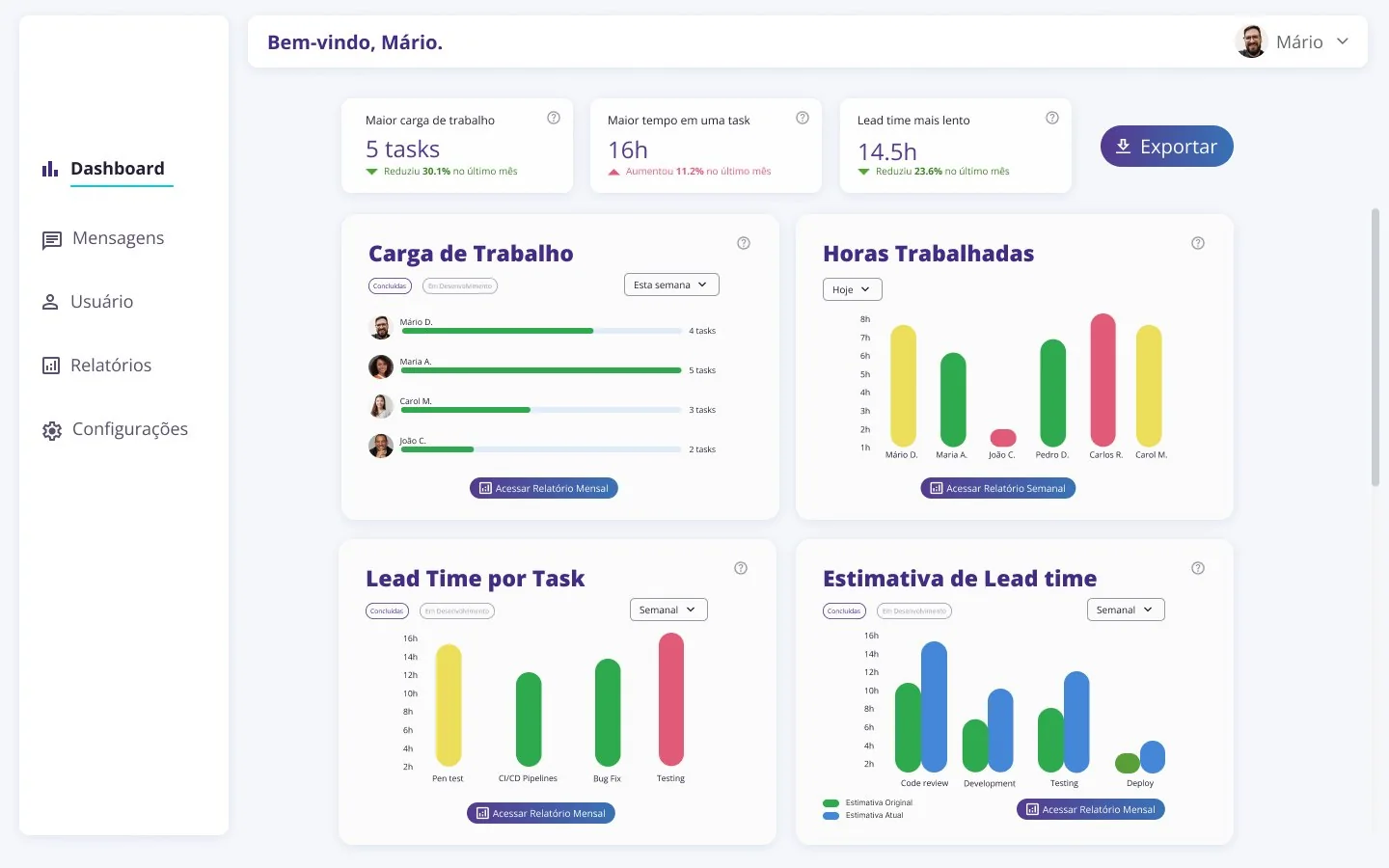
SefAIz evolved into Fiscolab, a platform built as a team with the Pernambuco State Finance Department to make tax knowledge accessible. I worked from MVP definition to client alignment; here I go deeper into the entry experience I designed: sign-up, log-in and password recovery.
Context
The complexity of Brazil’s tax system pushes away people who want to start a business. Fiscolab was created to teach this content in a practical way, with paths, challenges, progress tracking, certification and an AI assistant.
The project was built by a team of research fellows, in short cycles with constant feedback from SEFAZ-PE. Besides designing, I took part in defining the MVP: user flows, interfaces, suggesting and creating features, and talking with the client to align expectations with scope.
Two-step sign-up
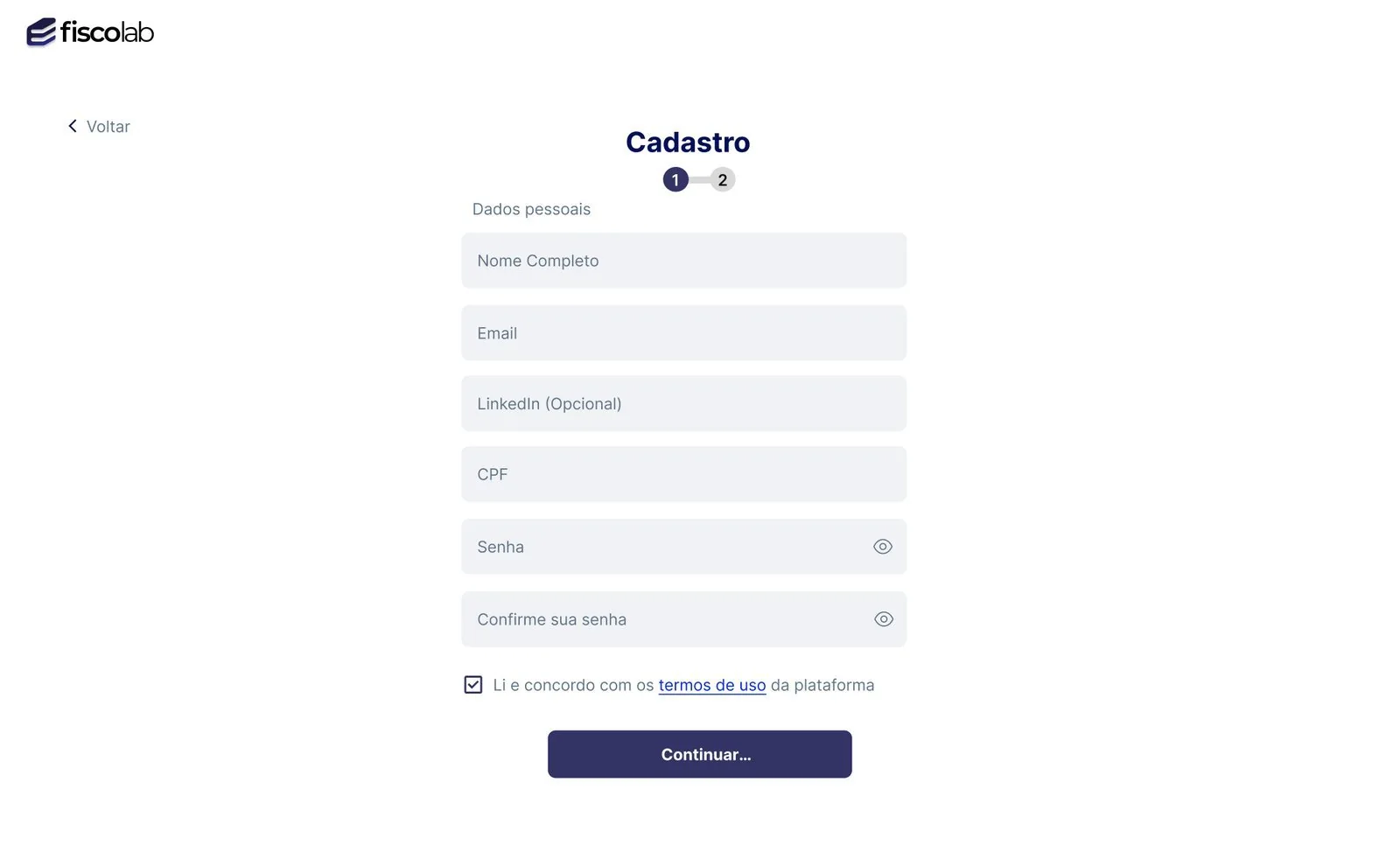
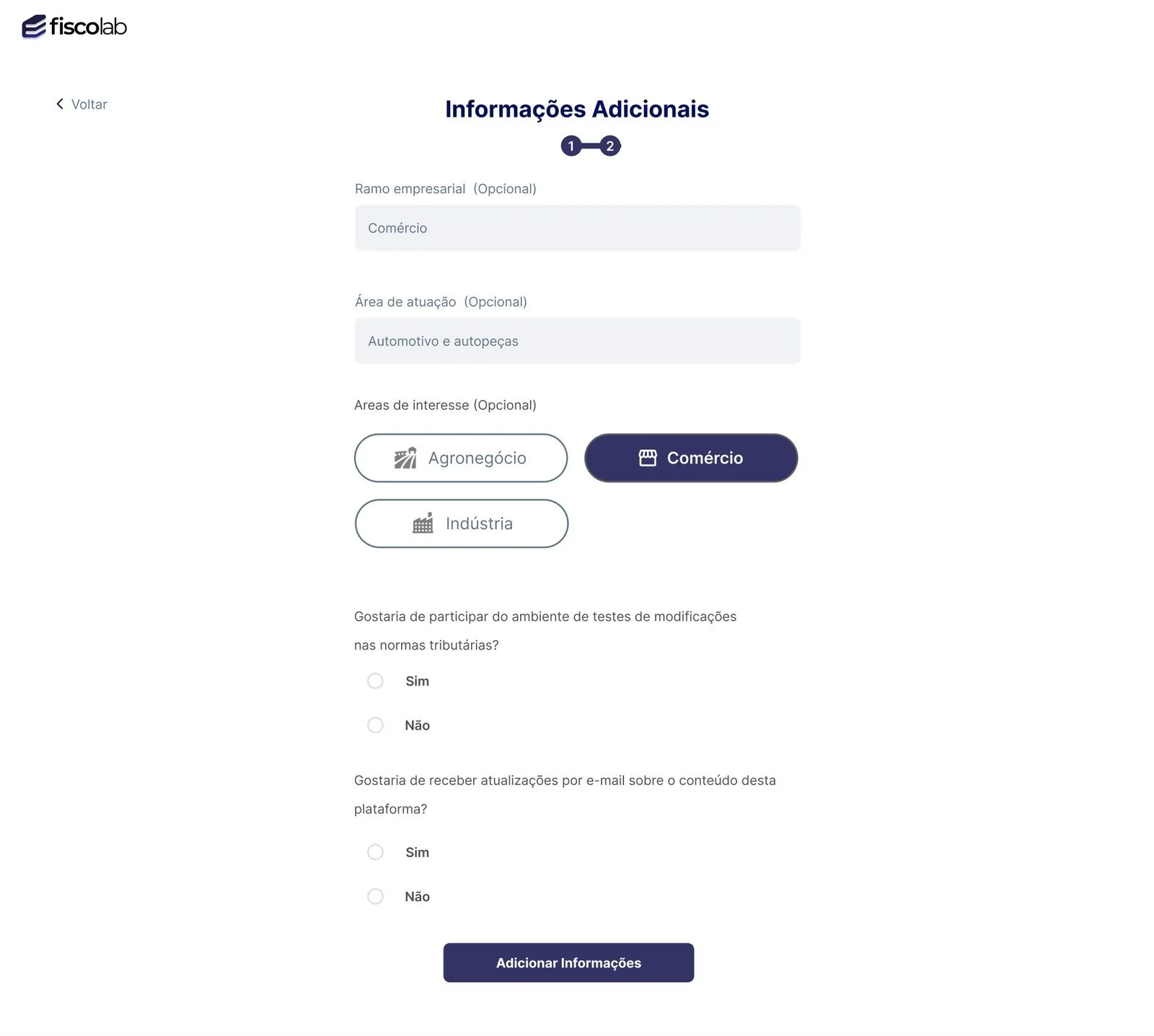
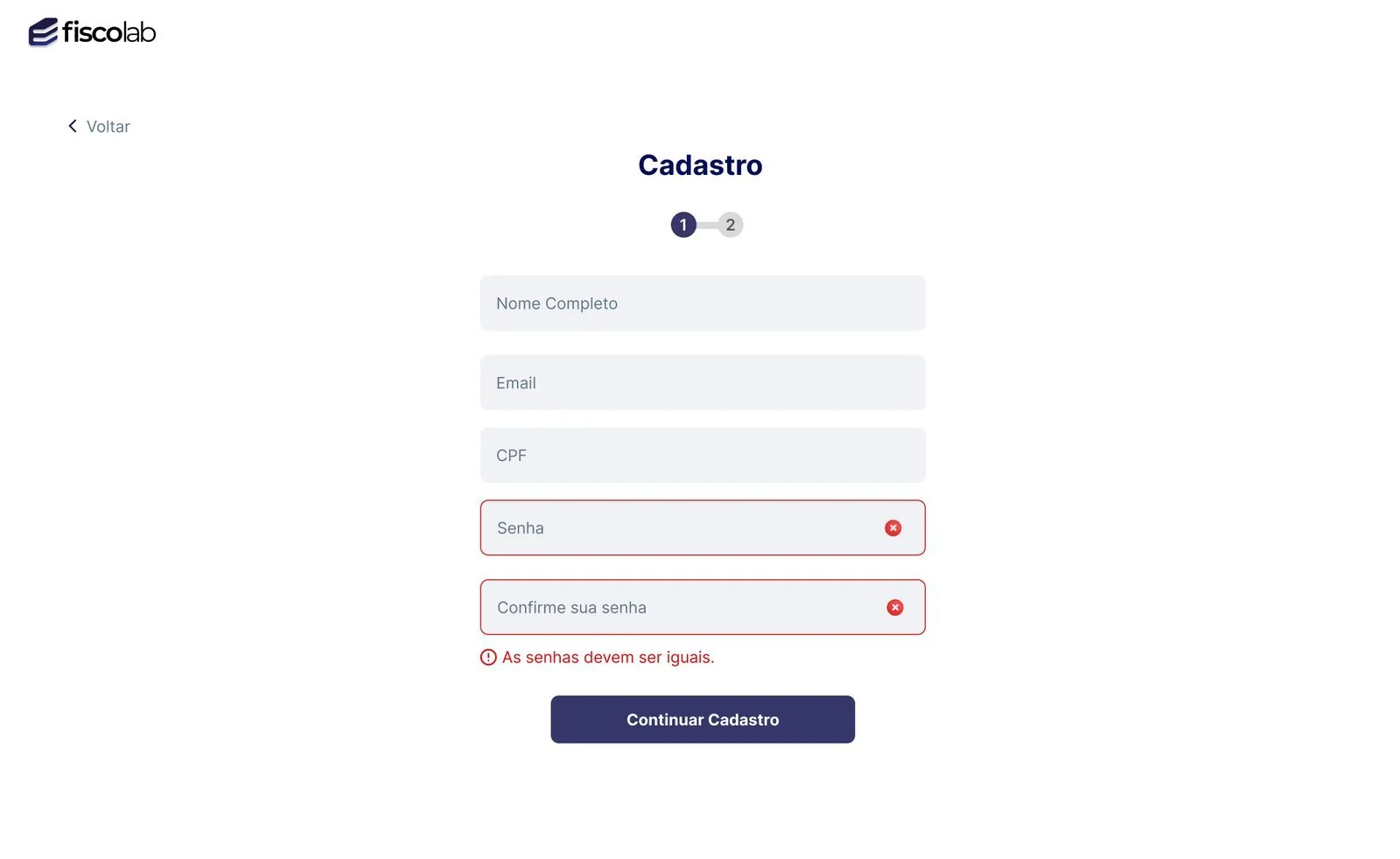
First, only the essentials to create an account. Then, an optional step that personalizes the experience.
The progress indicator makes it clear how much is left. In the second step, business sector, field and areas of interest help the platform suggest relevant paths, and every field is marked optional so nobody gives up for lack of one answer.
Interface decisions
Errors say what to do
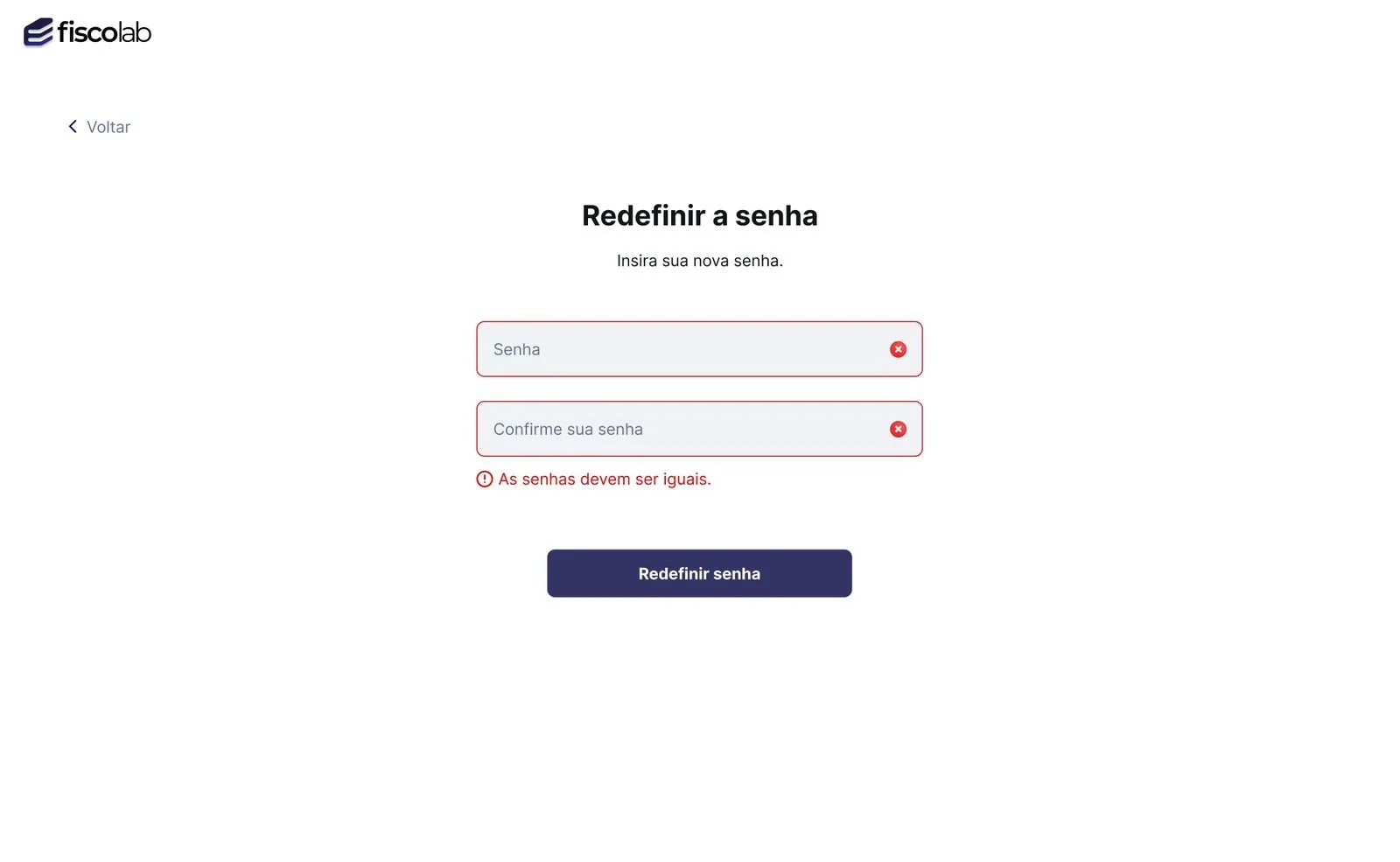
If the passwords don’t match, the field turns red and a short sentence explains the problem: “Passwords must match”. Nobody has to guess what went wrong.
Nothing comes pre-checked
Sign-up asks whether people want to try out rule changes and receive emails. Both answers start blank, and the choice is theirs.
You can always go back
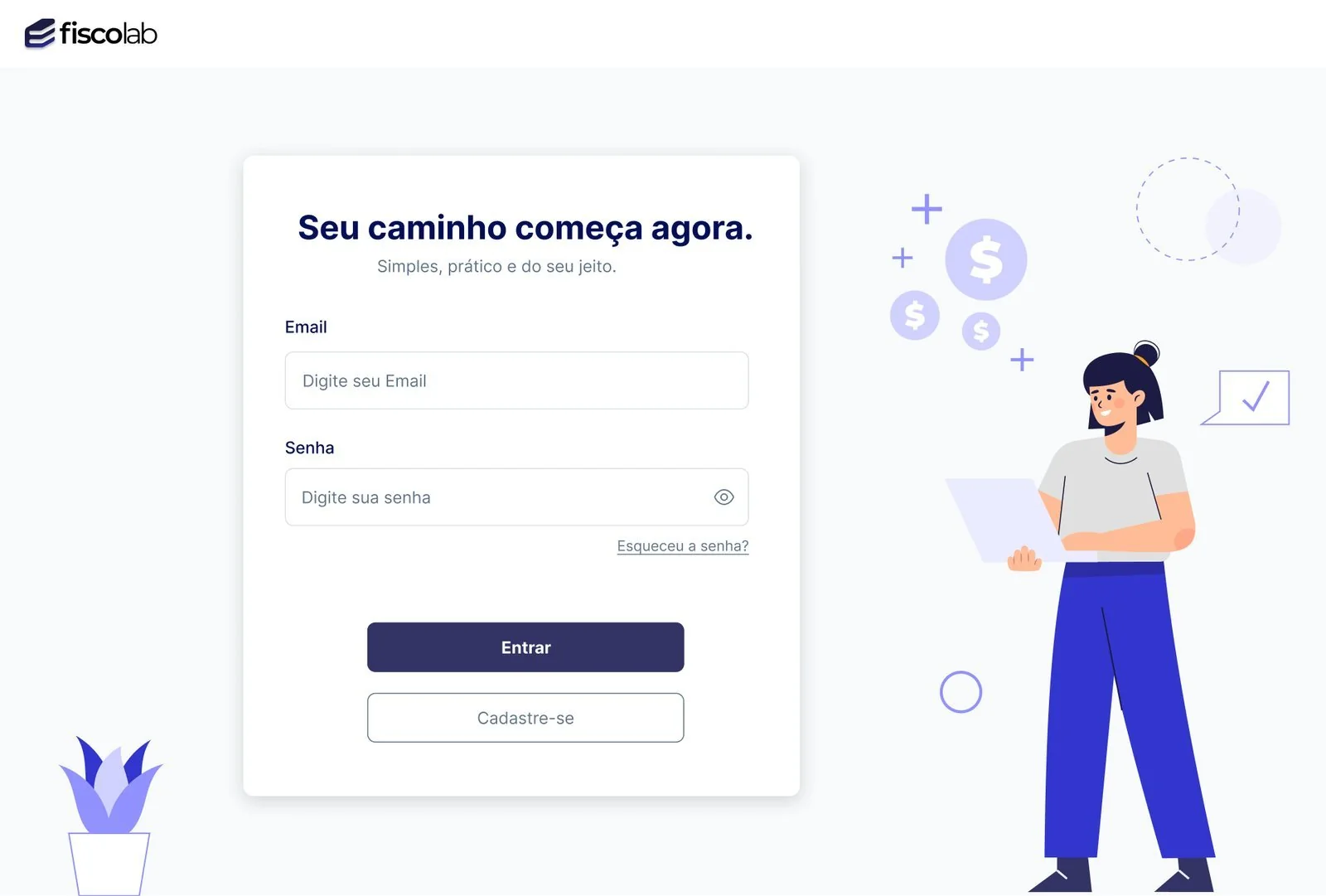
Every step has a “Back” button, the password can be shown, and “Forgot your password?” sits right below the field. A mistake halfway through doesn’t mean starting over.
Password recovery
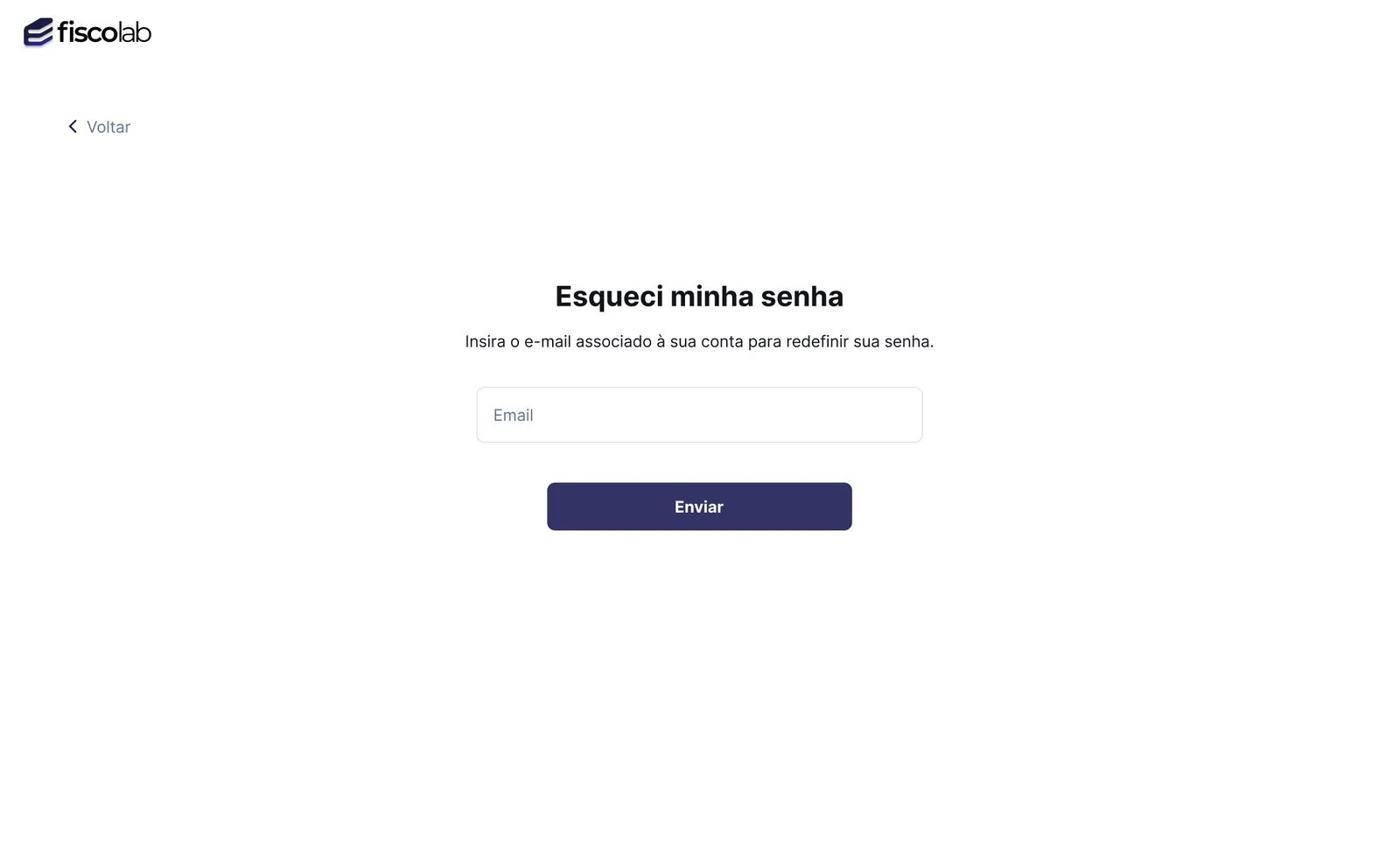
Forgetting a password shouldn’t be a dead end.
The flow covers every state: request by email, resend, new password, error and confirmation, always with the same visual pattern and a way back.
Outcome
SEFAZ-PE praised Fiscolab highly, and the experience became research.
The process of co-creation, AI and user-centered design was published in the paper Fiscolab: Co-Creation, Artificial Intelligence, and User-Centered Design in the Development of Educational Fiscal Solutions (opens in a new tab), presented at the International Conference on Human Interaction & Emerging Technologies – Artificial Intelligence (IHIET-AI) in Valencia, Spain, in 2026. I’m one of the co-authors.