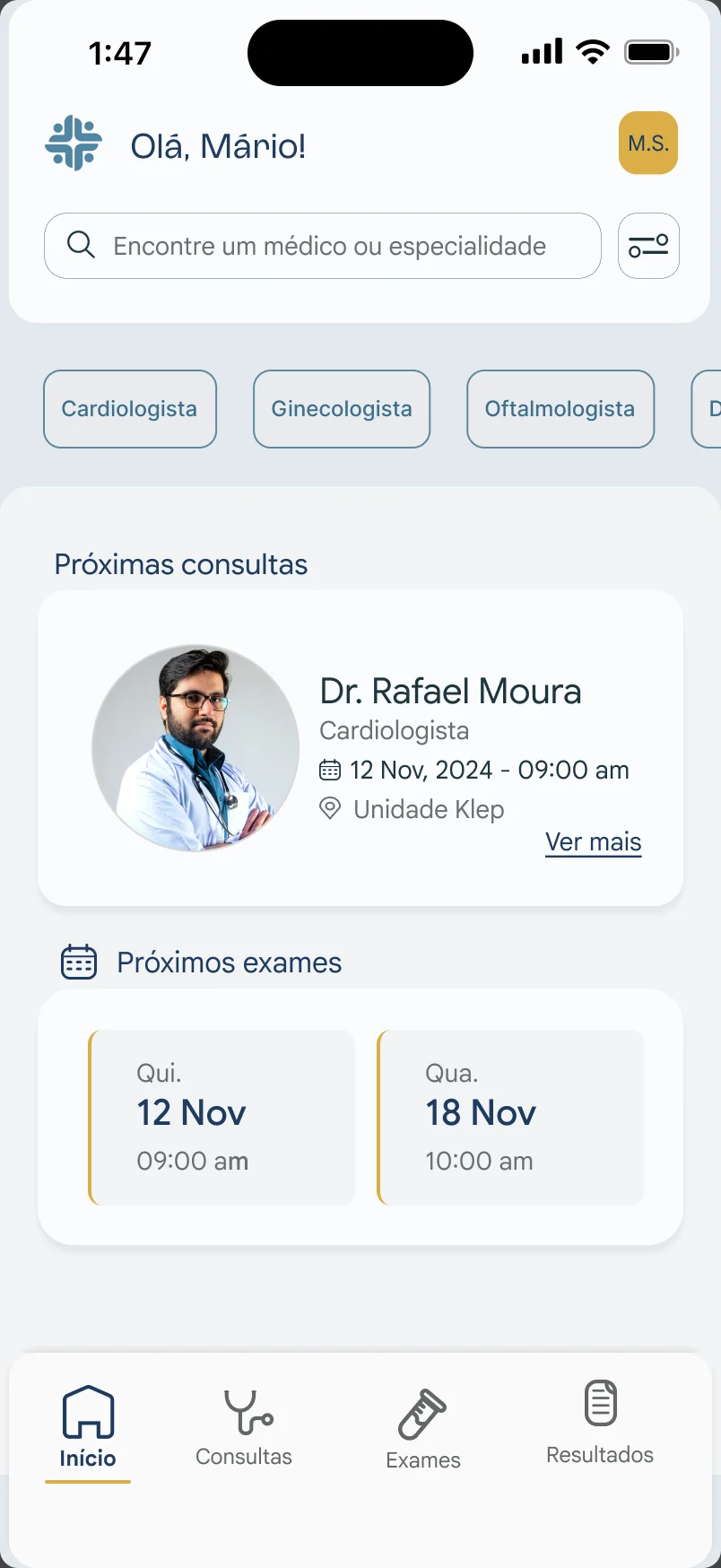
Case study · Dashboard · 2025
A productivity dashboard to see where a team gets stuck
A dashboard for managers to follow the hours their team logs, understand how work is spread out and spot where deliveries stall.
The challenge
Tech companies live with production bottlenecks that waste a team’s potential. When managers can’t see where work piles up, they react too late.
The brief: a dashboard wireframe or prototype to help managers track productivity, understand how hours are spread and spot bottlenecks. To change strategy fast, the tool had to be simple, clear and visual.
How I’d get to the solution
Before designing, I laid out how the problem would be investigated in a real project.
Personas on both sides
Managers, who monitor, and team members, who log hours and face problems the manager doesn’t see.
Empathy maps
To guide interviews and prioritize the highest-impact problems.
Interviews and observation
Semi-structured conversations with both profiles and shadowing of monitoring routines.
Benchmarking
Metrics and visualizations that already work in other tools, to shorten the path to validation.
Structural decisions
Tech teams organize work in Kanban flows, so the dashboard was built on that logic and designed to pull data from tools like Jira and ClickUp. Instead of creating one more place to log information, it brings together what the team already logs.
The chosen metrics answer questions a manager actually asks:
- Who’s overloaded? Workload per person.
- Where does work get stuck? Idle time at each stage and lead time per task.
- Are we estimating well? Original versus current estimate, by stage.
- Where do the hours go? Hours worked by type of activity.
Evolution
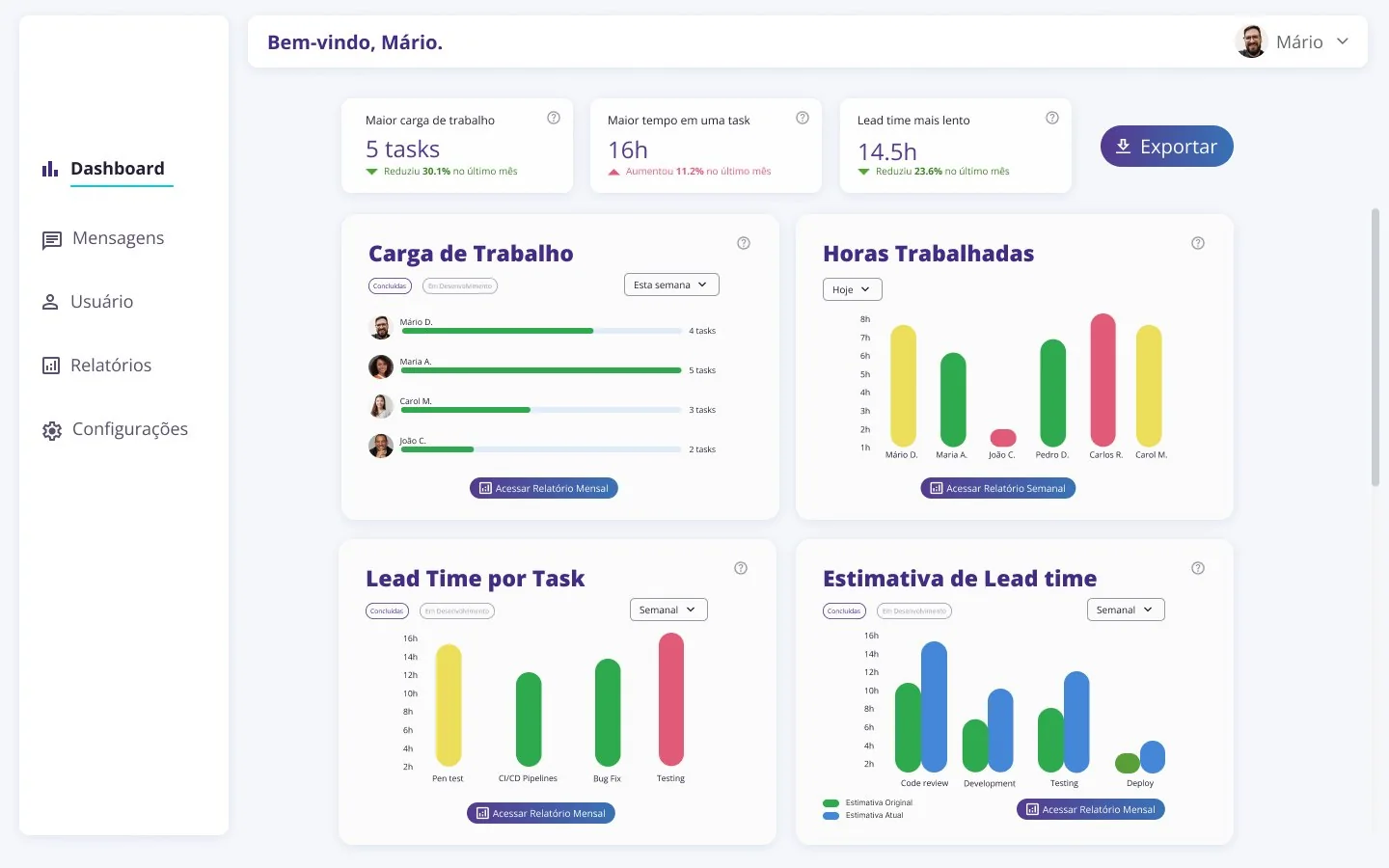
The first version showed the data but took effort to read: four charts with the same weight and poorly explained indicators. In the final version, the dashboard answers first and goes into detail after.
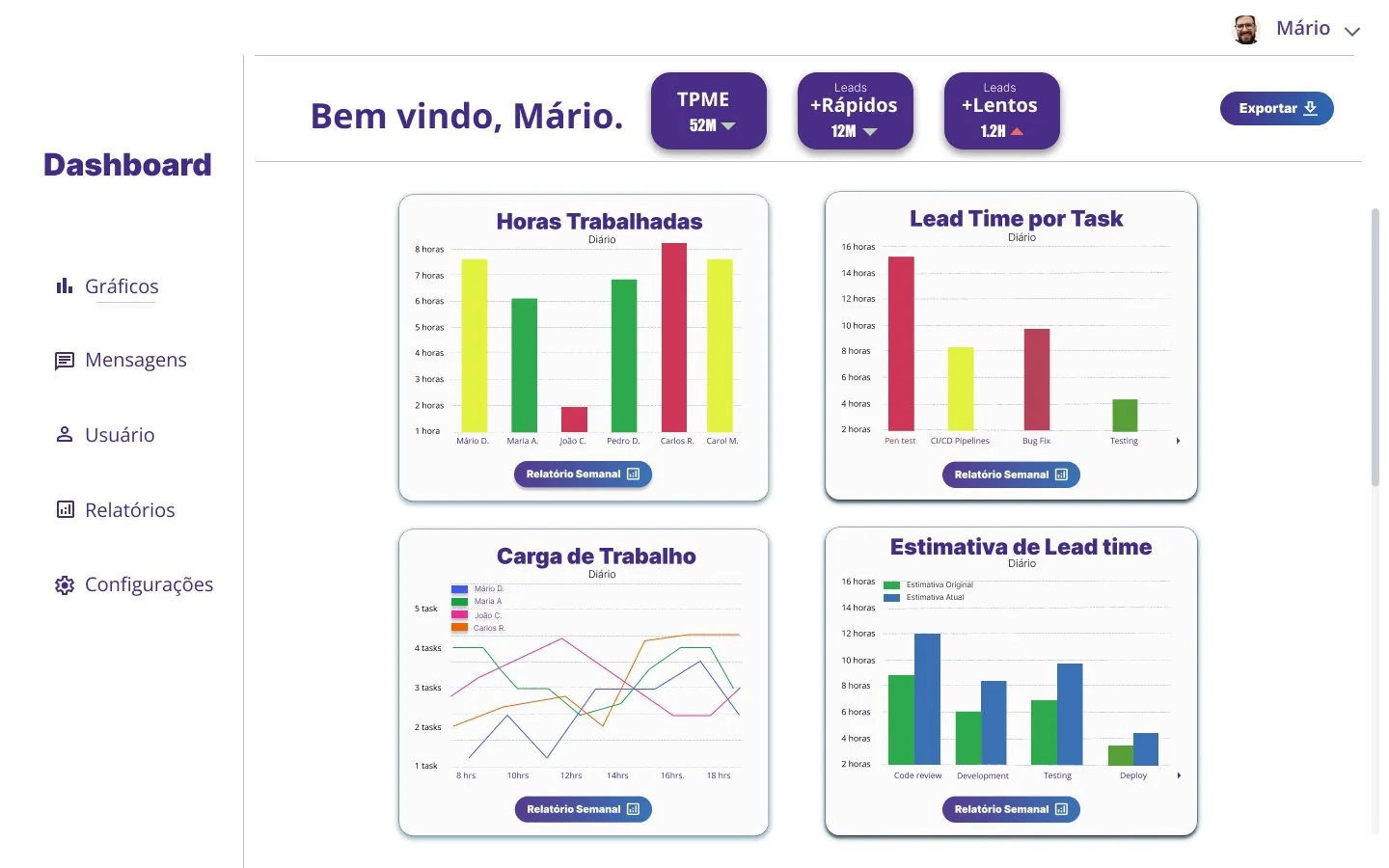
V1 Every chart with the same weight, and indicators shown as acronyms.
V2 An overview on top, with monthly change, and dedicated cards below.
Final version highlights
Overview first
Three bottleneck indicators (heaviest workload, longest time on a task and slowest lead time), each with its change from last month.
Readable workload
Horizontal bars per person, with daily, weekly and monthly filters and a task-type tag. Whoever is overloaded stands out right away.
Estimate versus reality
Comparison bars by stage (code review, development, testing and deploy) show where planning slips.
Next steps: a responsive version, accessibility features and a dark theme.